Sister Other Paranoia Tools Hub
Practical helpers for comfort checks and pre-release planning—no spoilers, no fake ending calculators.
What belongs in Tools
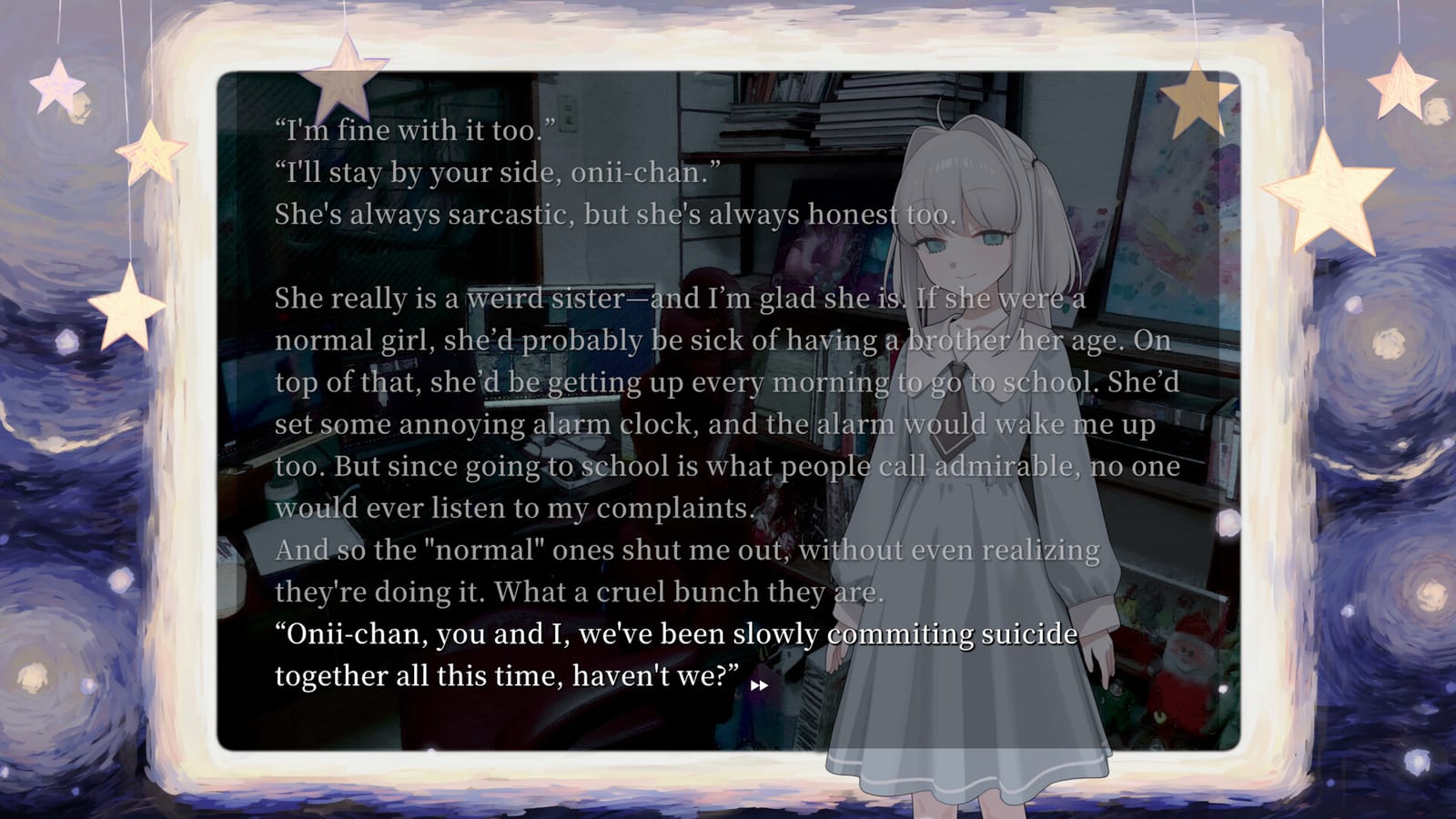
The Tools section collects interactive or checklist-style helpers that support a buying decision for Sister Other Paranoia. Before launch, the highest-value tool is comfort screening: the game’s marketed fantasy includes mind-reading violence toward suicide, unhealthy sibling codependency, blood CGs, suggestive imagery, and mental-health themes.
We deliberately do not ship fake ending determiners, RNG gacha odds, or spoiler route engines. Those would invent structure the studio has not documented. After release, tools may expand only when we can ground them in verified systems.
Featured tool: Content Warning Checker
Start here: Content Warning Checker.
That page explains how the checker works and hosts the interactive UI (injected on the page). You toggle themes that bother you; the tool maps those toggles against developer-disclosed mature content for Sister Other Paranoia and returns a plain-language comfort result. It is a decision aid, not a medical or legal rating.
Always pair the checker with the prose article Content Warnings, which quotes and contextualizes the Steam mature-content description: blood and injury CGs around a 16+ non-graphic presentation, mild sexual and suggestive themes, mental-health distress; no explicit sexual acts; no extreme realistic violence—per developer notes.
When to use tools vs guides
Use tools when you need a comfort decision. Use guides when you need steps.
- Theme fit → Content Warning Checker and Content Warnings
- How to click and read → How to Play, Controls
- Mind-reading explained carefully → Mind Reading
- When and how to buy → Release Date, Price, How to Buy
- Wishlist setup → Wishlist
- Demo status → Demo
- Trailer vibe check → Preview Expectations, Trailer Breakdown
- Full site map → Wiki Overview
Design principles for wiki tools
- Primary-source first — map to Steam, Serenity Forge, and HazeDenki wording when possible.
- No invented endings — tools must not pretend to know route graphs pre-release.
- Clear uncertainty — if a theme is marketed loosely, we say what is confirmed versus inferred.
- Link out to depth — every tool page should send you to story, gameplay, or review articles for nuance.
- Respectful tone — mental-health topics are discussed as fiction content labels, not jokes.
How the checker relates to review pages
If the checker flags a hard conflict, read FAQ and Preview Expectations for buyer framing, then decide whether to wishlist anyway for later reassessment. Some players want the art and music but will wait for community content notes after launch; that is a valid outcome. Others will skip entirely—also valid.
Creative context lives on Staff and From NEEDY STREAMER OVERLOAD. Story premise without route spoilers: Story Overview, Characters.
Practical pre-release workflow
- Run the Content Warning Checker.
- Read any matched themes on Content Warnings.
- Skim Mind Reading so the suicide-adjacent mechanic is not a surprise.
- Watch the trailer via Preview or Trailer Breakdown.
- If still interested, Wishlist and keep Getting Started for launch day.
- If a Discord demo remains available, use Demo and report bugs only through official channels.
After launch
Post-release, this hub may add save planners, checklist trackers, or verified option explainers—only with evidence. Until then, treat Tools as a comfort and planning lane, while Guides handle how-tos and Review handles expectations.
Return anytime to the Release Hub, Story Hub, Gameplay Hub, or the Wiki Overview for the complete map.
Frequently Asked Questions
Quick answers to the most common questions.
Is the Content Warning Checker official?
No. It is a fan-made helper that maps your toggles to publicly disclosed mature themes. Always confirm wording on Steam.
Why is there no ending calculator?
Ending graphs are not verified pre-release. Inventing one would spread misinformation, so this wiki refuses to ship one yet.
Can tools replace the story pages?
No. Use the checker for a quick scan, then read Content Warnings and Story Overview for context.